HearHim: a Bible app that locks distractions until you read
I designed, built and marketed HearHim, an iOS app that shields Instagram, TikTok and YouTube until you have done your reading. Here is what it built in its latest 90 days, and what I changed when the funnel said something.
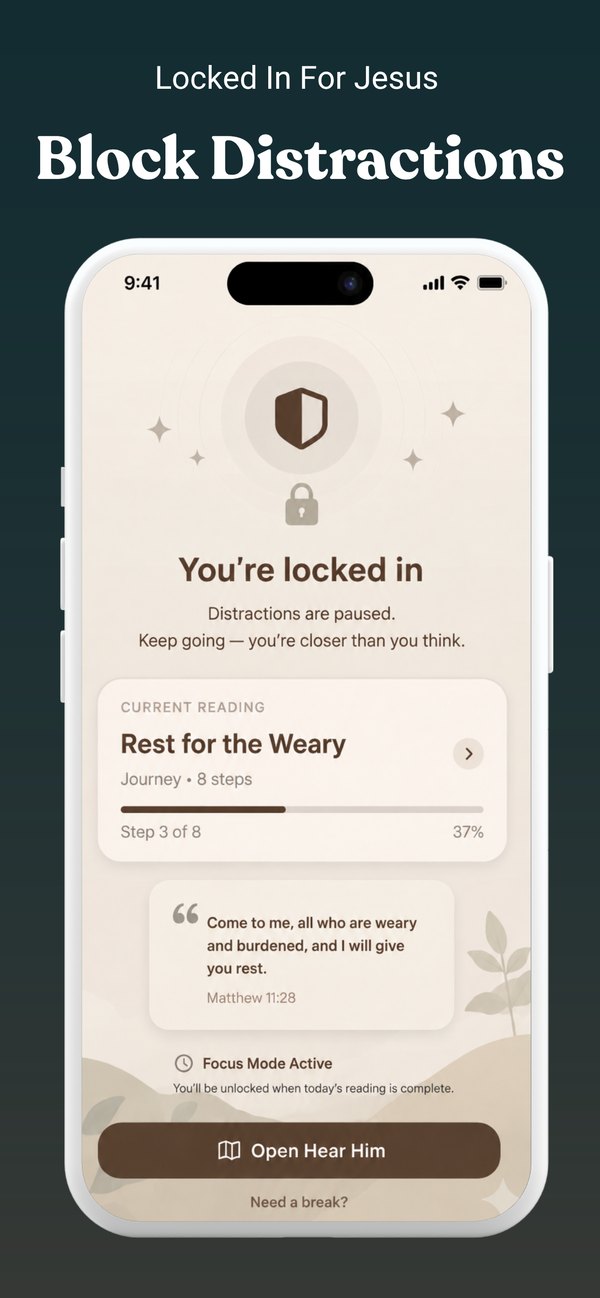
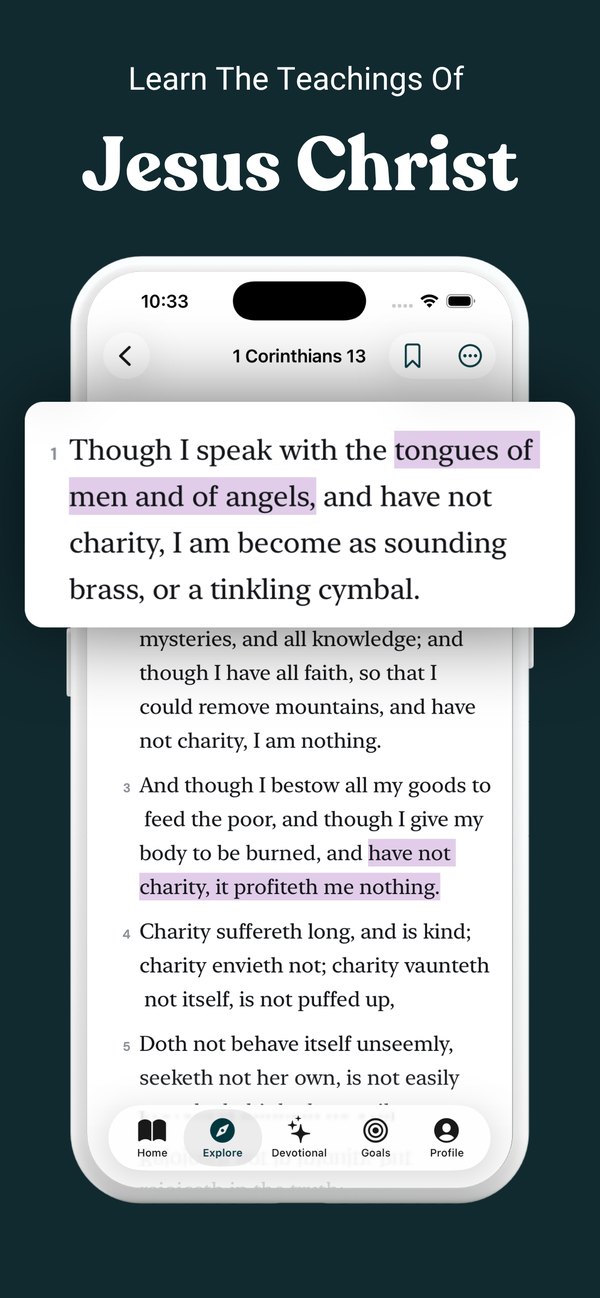
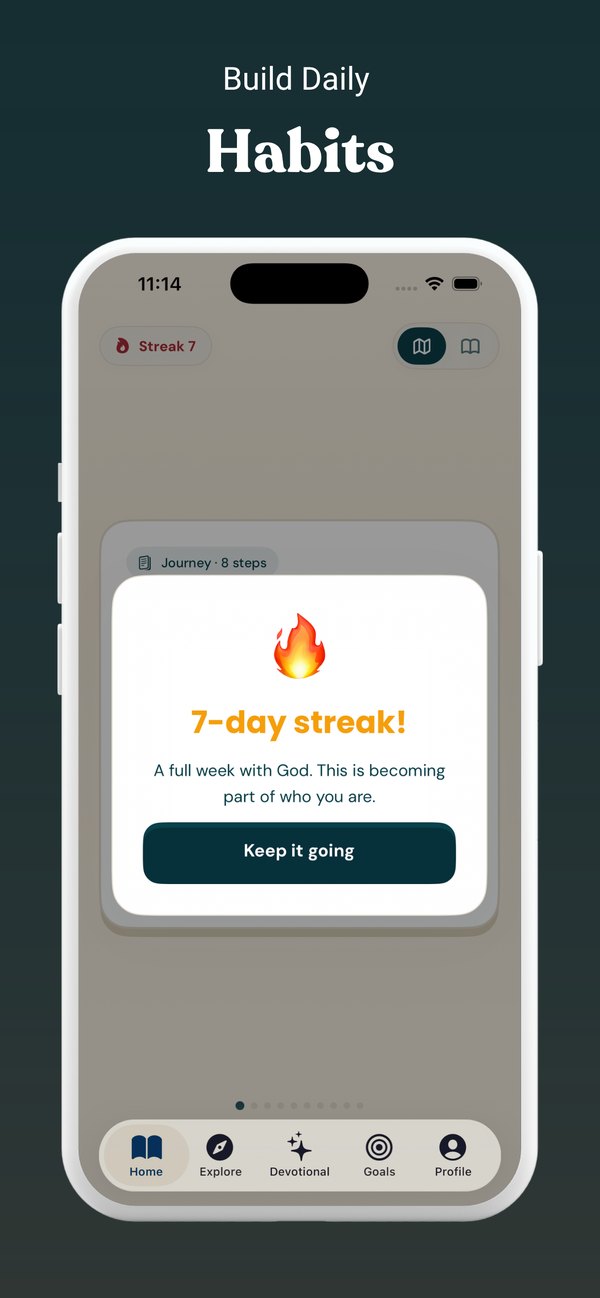
The idea
People mean to read. Then they open their phone.
Most people who want a daily scripture habit know exactly how it fails. The alarm goes off, the feed opens, and the first minutes of the day go to whoever posted last night. Reminder apps do not fix that, because a reminder is easy to swipe away.
HearHim uses Apple’s Screen Time API to do something a reminder can’t: it shields the apps you pick (Instagram, TikTok, YouTube, games) until you finish a reading goal, five minutes by default. Reading comes first because the phone will not let anything else open.
Why this is a marketing problem too: the product is a behavior change, so the message has to be honest about the struggle. The ads that worked said so plainly instead of promising transformation.
What I built
A native iOS app, and the site that feeds it
I built the whole product myself: the app, the subscription flow, and the website that brings people to it.
The blocker
Screen Time shields with custom lock screens, daily goals, quiet hours and a break-glass option, built on FamilyControls and DeviceActivity extensions.
The reading experience
KJV text with a plain-English line under every verse, guided devotionals with breathing, multi-step journeys, streaks, notes and widgets.
Onboarding and billing
A 12-screen onboarding flow that sets the goal and picks the apps, then StoreKit 2 subscriptions with a free trial. No third-party billing SDK.
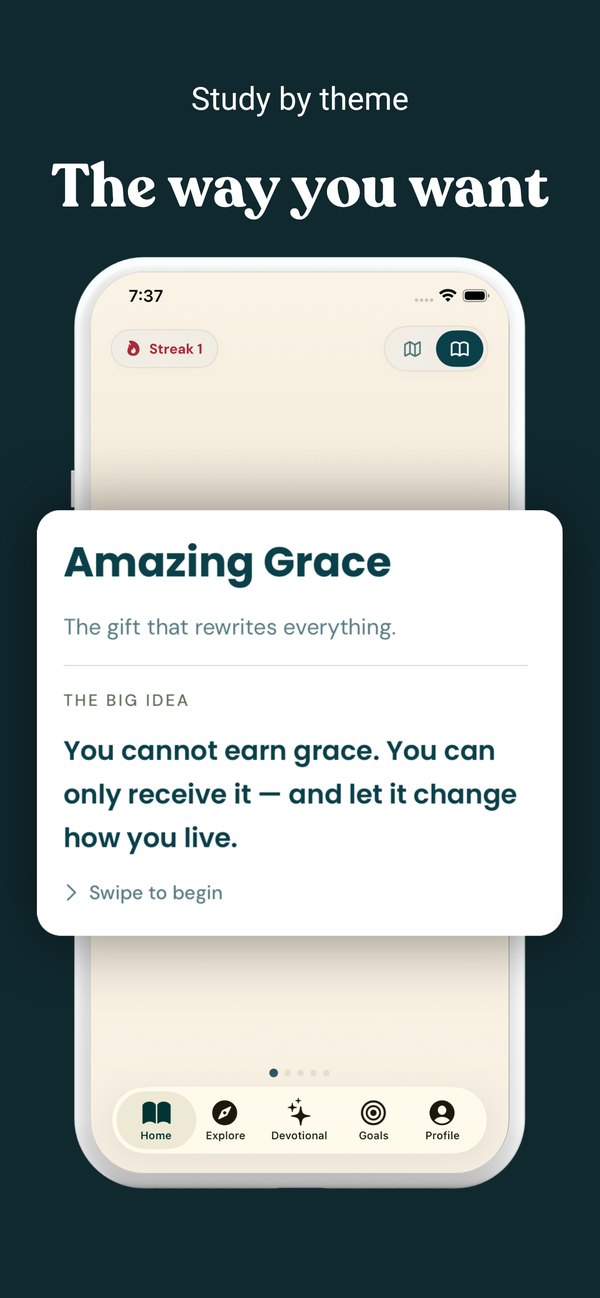
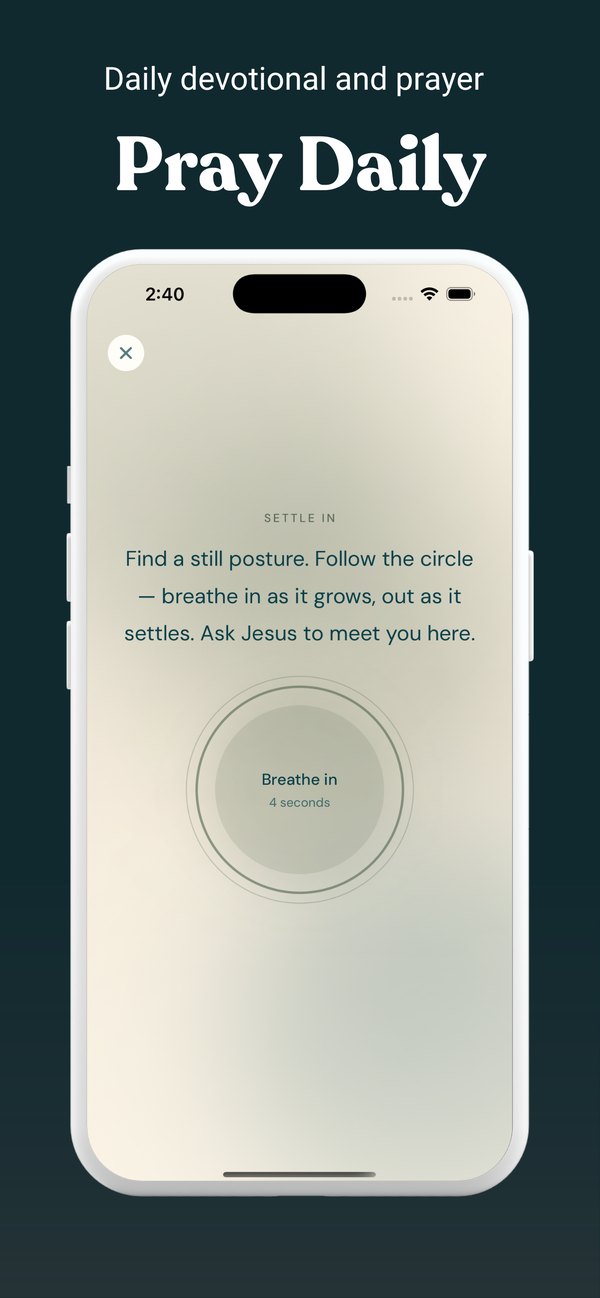
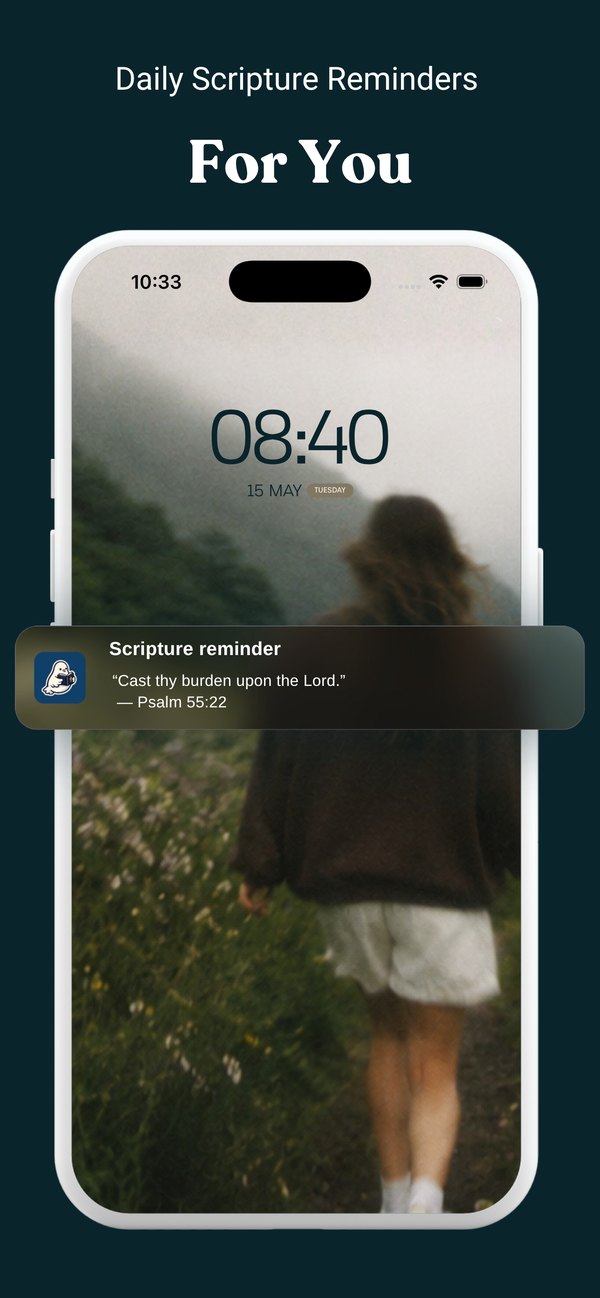
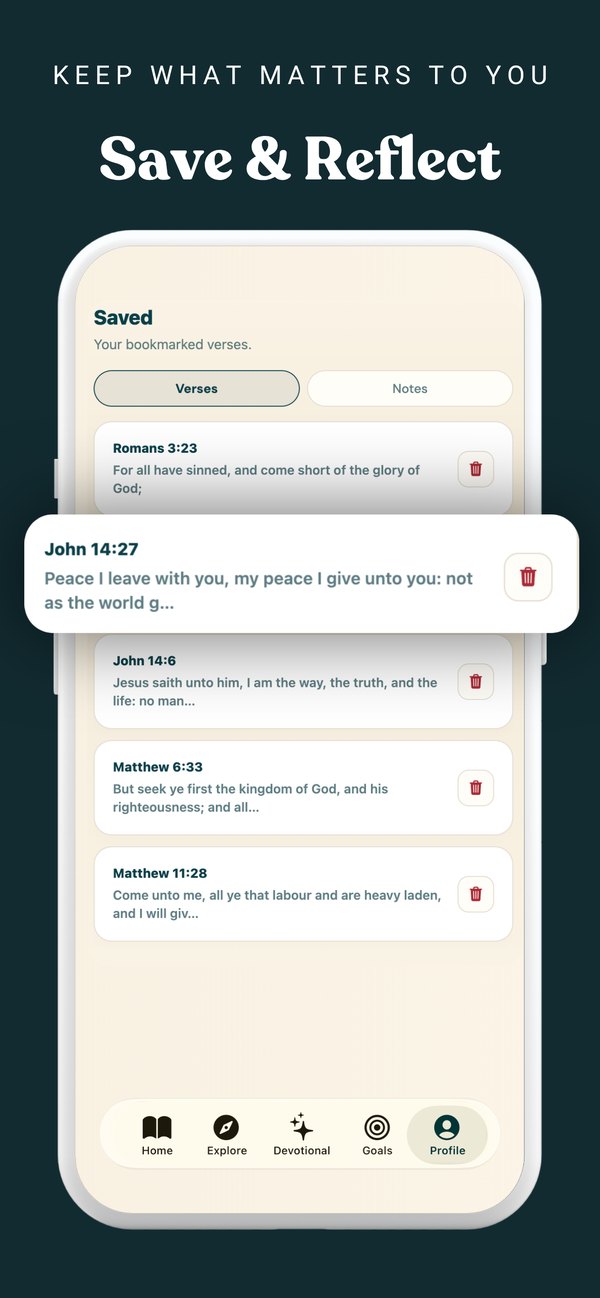
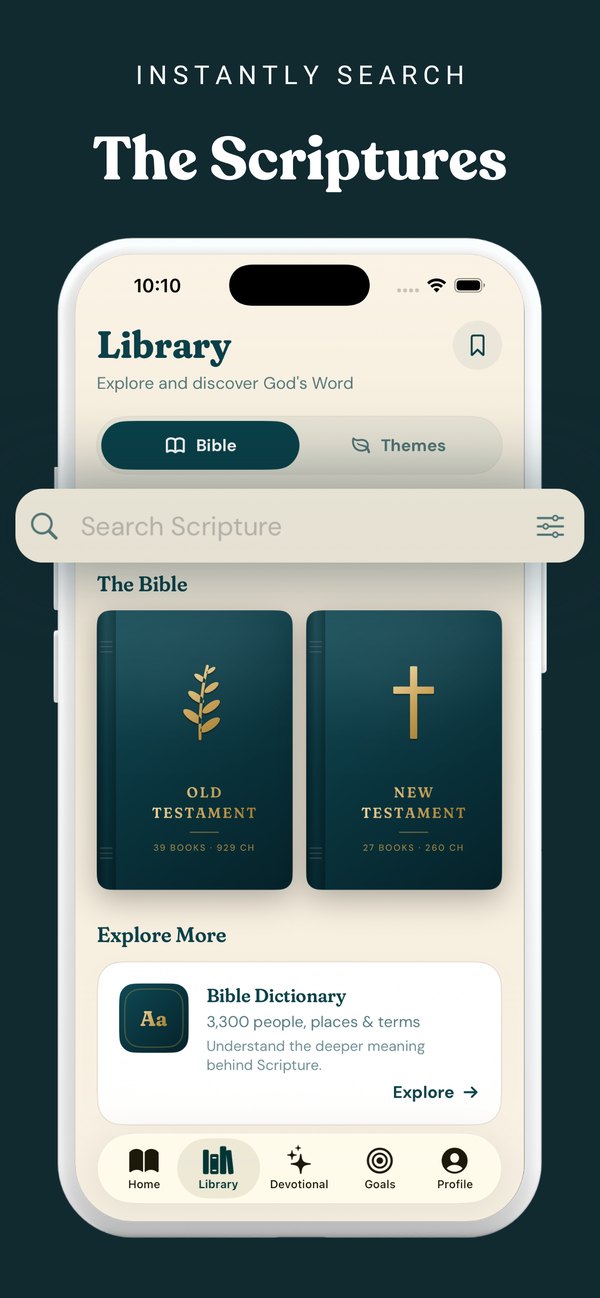
Real App Store screenshots. The app is native Swift and SwiftUI; the website is a separate Astro site.
Results
283 downloads in 90 days, in three distinct phases
For most of July and August the app picked up one or two downloads a day. In mid-September, when paid social spend was at its highest, it ran at 10 to 16 a day for about ten days. The strongest stretch, Sep 12 to Oct 11, produced 189 downloads. A single-day spike on October 9 reached 32.
First-time downloads per day
Jul 23 – Oct 20, 2026 · hover, tap, or use ← → on the chart
Source: App Store Connect, first-time downloads by date. Total: 283.
View the data
Jul 23 – Sep 8, daily average
Sep 12 – Oct 11, best 30 days
Sep 1 – Oct 20, the last 50 days
How I marketed it
Paid tests, a content engine, and a technical SEO fix
Paid social, tested properly
Ran Meta and TikTok campaigns with several creative angles. Single-image ads on the best two messages came in around $4.75 per install, while carousels brought in some installs but far fewer. The creatives that won were the blunt ones.
A site built to be found
gethearhim.com carries Bible book and chapter pages, a sacred-art library, journeys, and head-to-head comparison pages against other Bible apps, so search traffic has somewhere to land.
Google had indexed only two pages of the site. The cause was trailing-slash canonicals and sitemap entries that did not match the live URLs. I fixed the canonicals and the sitemap so the rest of the site could be crawled.
What the funnel taught me
I changed the product before I spent more
Looking at the first-week funnel, most people who installed finished onboarding (73%), but very few started a trial. Paying for more installs would only have pushed more people into the same gap, so on September 25 I paused every campaign and went after the cause instead.
- Moved the paywall from the moment onboarding ends to the first time a reading goal is reached, so people have felt the product before they are asked to pay.
- Made setup stricter on purpose: name and app selection are required, so everyone who finishes onboarding actually has a working blocker.
- Trimmed onboarding from 15 screens to 12 and fixed uneven spacing that made the plan screen feel unfinished.
What I would do next: run an App Store product-page test on the icon (three variants) and re-open paid campaigns only once trial starts move.
Stack
What it is made of
Tip: press ← → to flip between case studies